

Suitability
Age range: 12–18+
Arduino robotics lessons are designed for intermediate and advanced students who are ready to move beyond introductory platforms and work with more powerful hardware and programming concepts.
These lessons are suitable for:
Students with basic experience in robotics or coding
Learners who have previously worked with Micro:bit or similar platforms
Teenagers and older students
Motivated beginners with strong computer skills and interest in technology
Students are expected to be comfortable using a computer and basic software tools. Prior exposure to coding is recommended, but not strictly required for students with strong problem-solving skills and motivation.
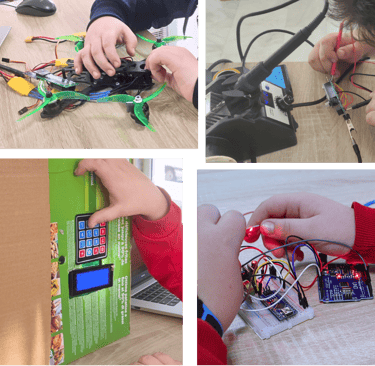


Suitability
Age range: 12–18+
Arduino robotics lessons are designed for intermediate and advanced students who are ready to move beyond introductory platforms and work with more powerful hardware and programming concepts.
These lessons are suitable for:
Students with basic experience in robotics or coding
Learners who have previously worked with Micro:bit or similar platforms
Teenagers and older students
Motivated beginners with strong computer skills and interest in technology
Students are expected to be comfortable using a computer and basic software tools. Prior exposure to coding is recommended, but not strictly required for students with strong problem-solving skills and motivation.
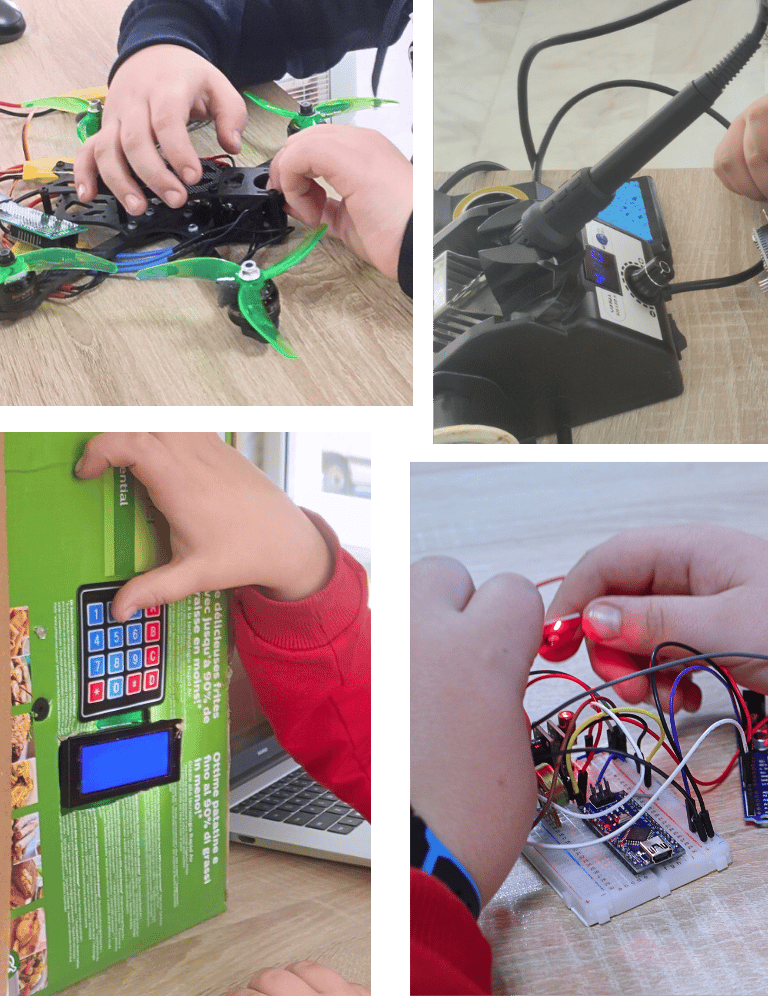




Approach & Projects
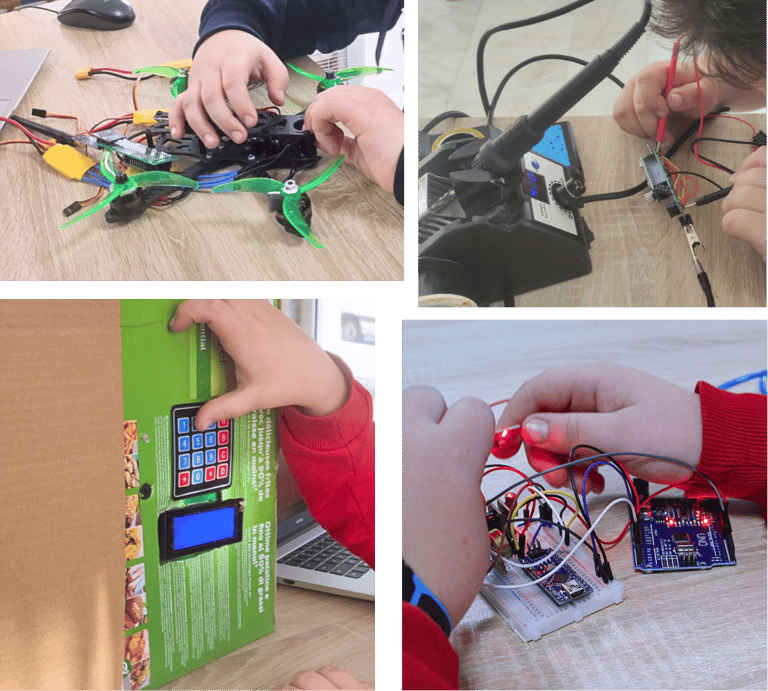
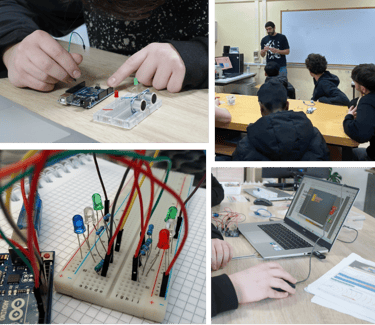
Arduino lessons focus on hands-on, project-based learning that connects programming with real-world applications.
Students learn how software interacts with hardware by building and programming complete systems step by step. Programming is primarily text-based, using C++ on Arduino IDE or block-coding with Ardublock if needed. This way we introduce students to core computer science concepts such as:
Variables and data types
Functions and modular code
Control flow and logic
Basic data structures
Debugging and problem-solving strategies
As students progress, projects become more complex and may include:
Robotics fundamentals and motion control
Automation systems
Smart devices and sensors
System integration and optimisation
Advanced students work on open-ended projects, encouraging independent thinking, creativity, and technical depth.
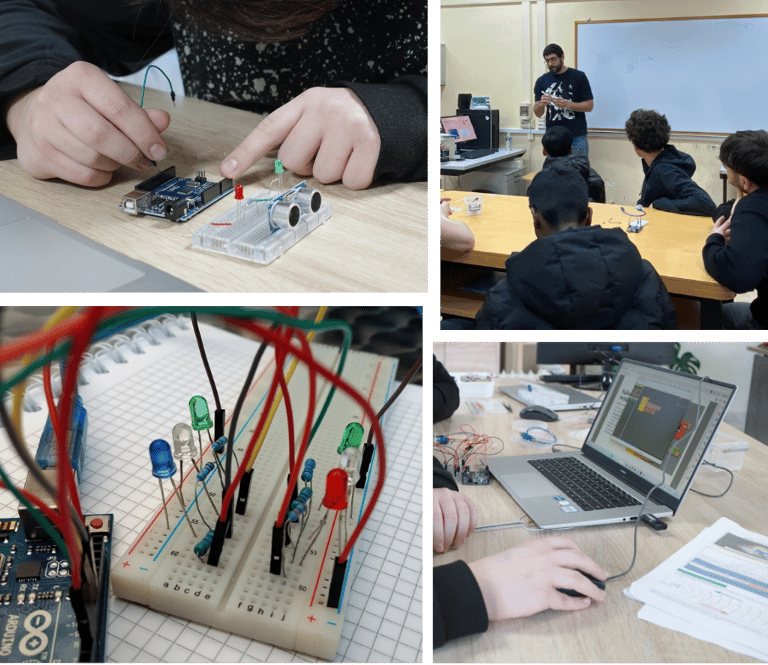

Approach & Projects
Arduino lessons focus on hands-on, project-based learning that connects programming with real-world applications.
Students learn how software interacts with hardware by building and programming complete systems step by step. Programming is primarily text-based, using C++ on Arduino IDE or block-coding with Ardublock if needed. This way we introduce students to core computer science concepts such as:
Variables and data types
Functions and modular code
Control flow and logic
Basic data structures
Debugging and problem-solving strategies
As students progress, projects become more complex and may include:
Robotics fundamentals and motion control
Automation systems
Smart devices and sensors
System integration and optimisation
Advanced students work on open-ended projects, encouraging independent thinking, creativity, and technical depth.


Materials you will need
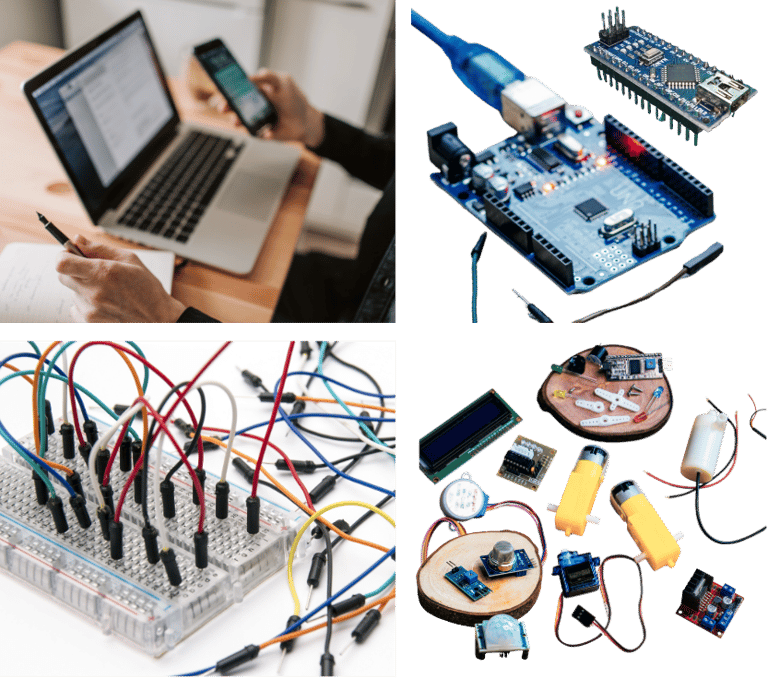
Required materials to fully participate in Arduino lessons:
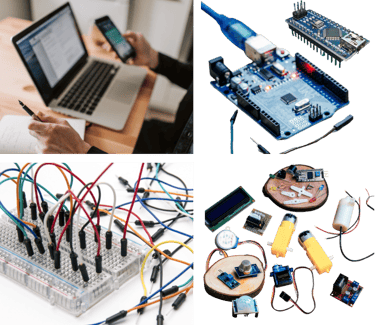
Arduino-compatible board (e.g. Arduino Uno or similar)
USB data cable (compatible with your Arduino model)
Computer or laptop with Arduino IDE software installed
Stable internet connection
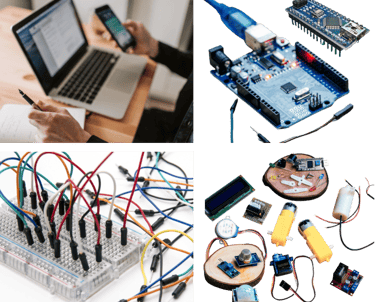
Recommended components for project-based learning and advanced exploration:
Breadboard and jumper wires
Basic electronics (LEDs, resistors, buttons, etc)
Sensors (distance, temperature, light, etc.)
Motors and motor drivers, shields
Power supply or battery pack
All projects use real electronic components, not pre-assembled or toy-based kits.
Note: Please consider consulting us before you spend money on something you may not need.


Materials you will need
Required materials to fully participate in Arduino lessons:
Arduino-compatible board (e.g. Arduino Uno or similar)
USB data cable (compatible with your Arduino model)
Computer or laptop with Arduino IDE software installed
Stable internet connection
Recommended components for project-based learning and advanced exploration:
Breadboard and jumper wires
Basic electronics (LEDs, resistors, buttons, etc)
Sensors (distance, temperature, light, etc.)
Motors and motor drivers, shields
Power supply or battery pack
All projects use real electronic components, not pre-assembled or toy-based kits.
Note: Please consider consulting us before you spend money on something you may not need.
Features & Benefits
Through Arduino robotics lessons, students:
Develop strong programming and problem-solving skills
Gain practical understanding of electronics and embedded systems
Learn how real-world devices are designed and controlled
Build confidence working with technology and complex systems
Strengthen logical thinking and computational reasoning
Prepare for academic pathways in engineering, computer science, and related fields
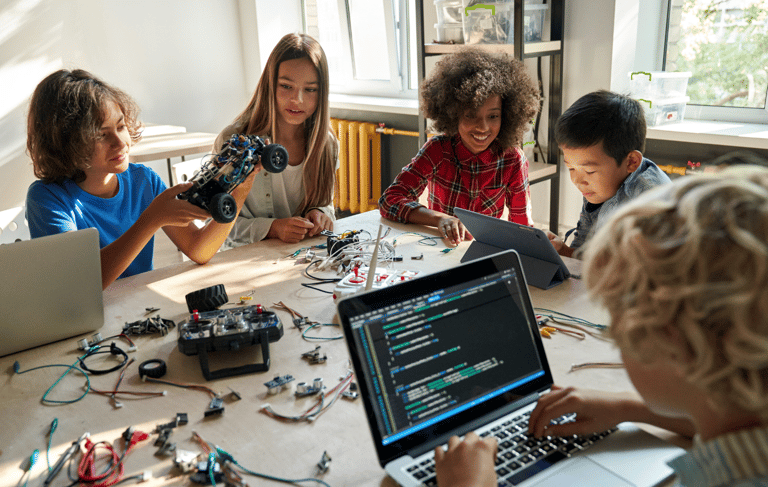
These lessons emphasise understanding, creativity, and practical application, helping students move from following instructions to designing and building their own solutions.


Features & Benefits
Through Arduino robotics lessons, students:
Develop strong programming and problem-solving skills
Gain practical understanding of electronics and embedded systems
Learn how real-world devices are designed and controlled
Build confidence working with technology and complex systems
Strengthen logical thinking and computational reasoning
Prepare for academic pathways in engineering, computer science, and related fields
These lessons emphasise understanding, creativity, and practical application, helping students move from following instructions to designing and building their own solutions.