

Khan Kids- A Free, Fun, Educational APP for Kids Aged 2 to 8
Kids' tech use still concerns many parents. They worry that kids would be addicted to screens, short-sighted, or victims of cybercrime. Yes, there are negative effects. But we'd suggest children learn technology in the digital age, and parents choose the appropriate 3C for them. To know more about choosing kid-appropriate 3C, please read our other article.
In this article, we'd like to share Khan Kids with you-- An amazing, free and educational App.
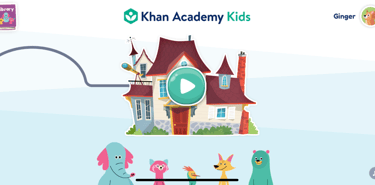
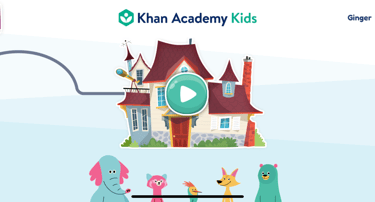
Three Steps to Get Started
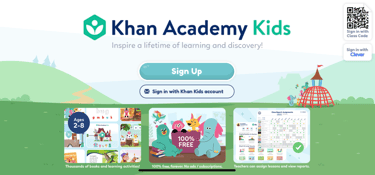
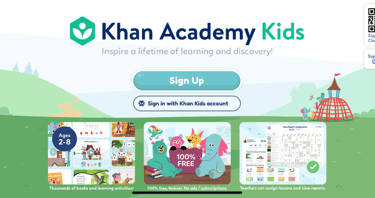
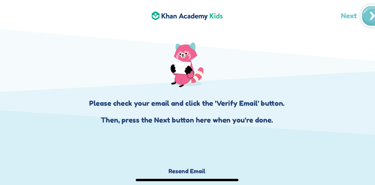
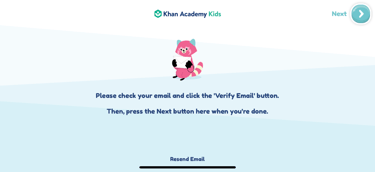
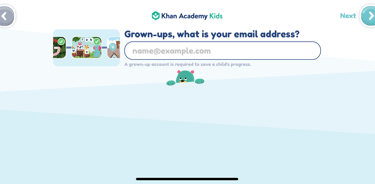
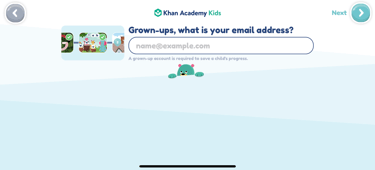
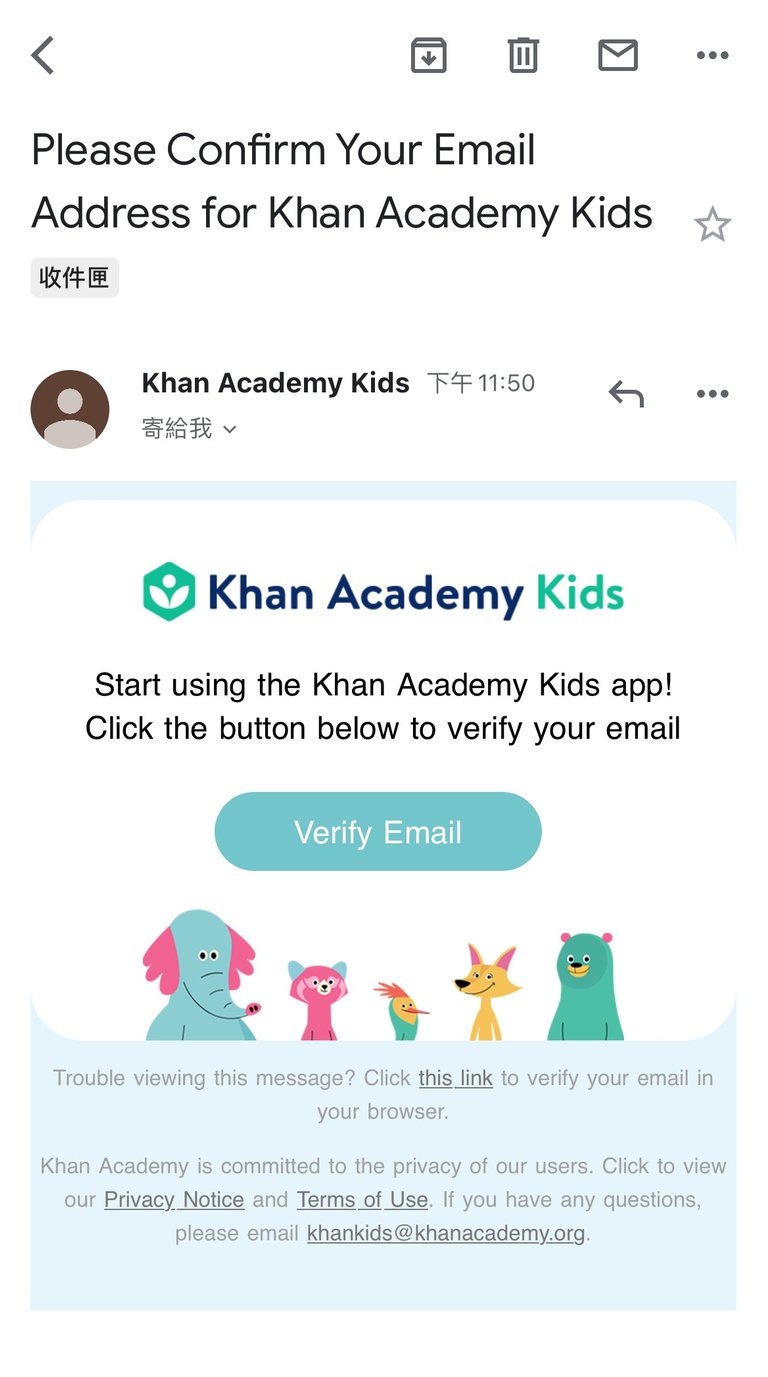
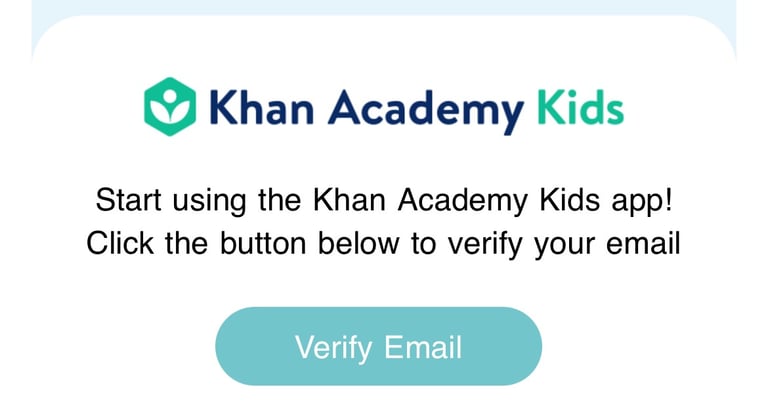
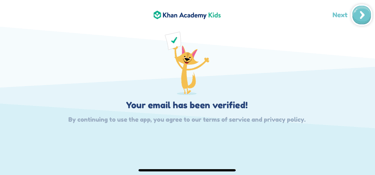
1. Registration: register an account with your email, then verify the new account in your inbox.
How to use Khan Kids?
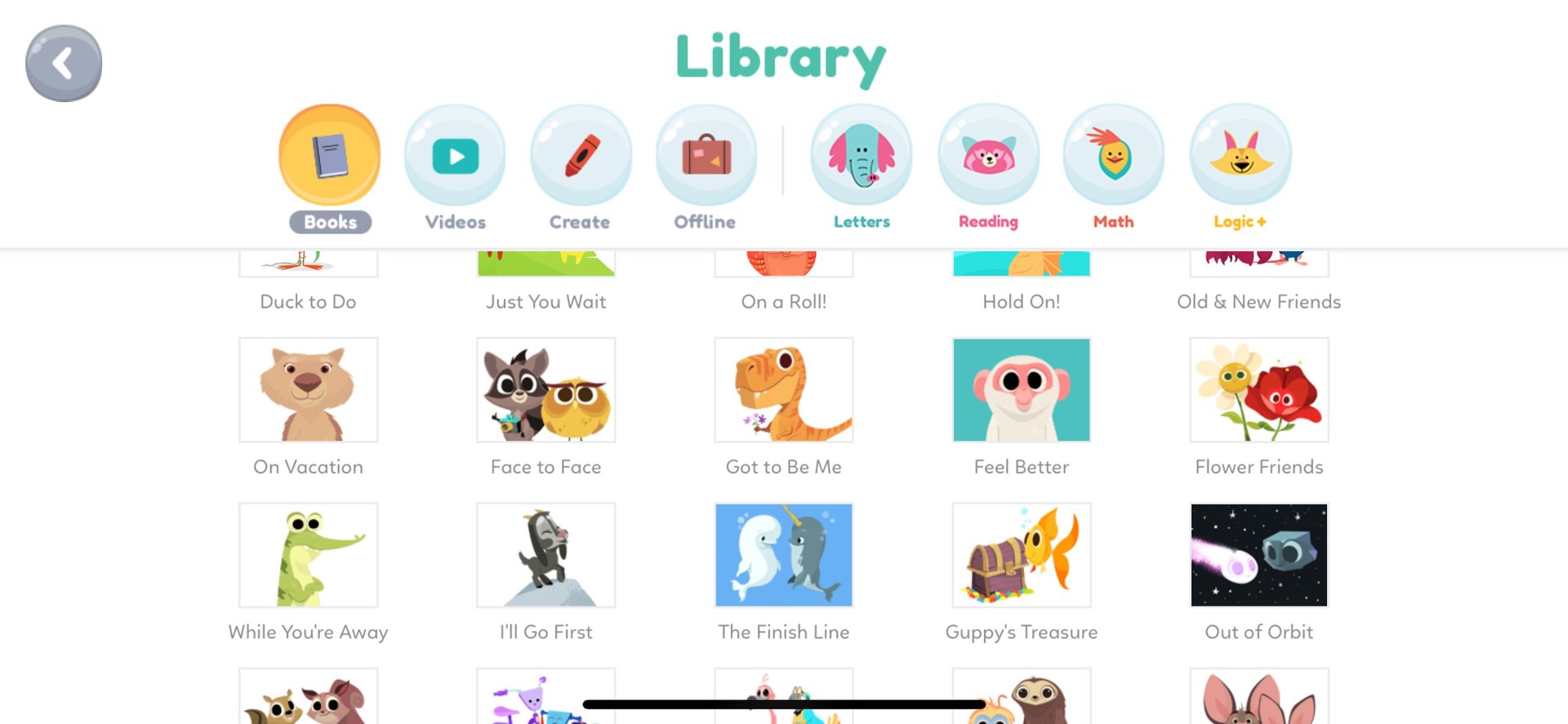
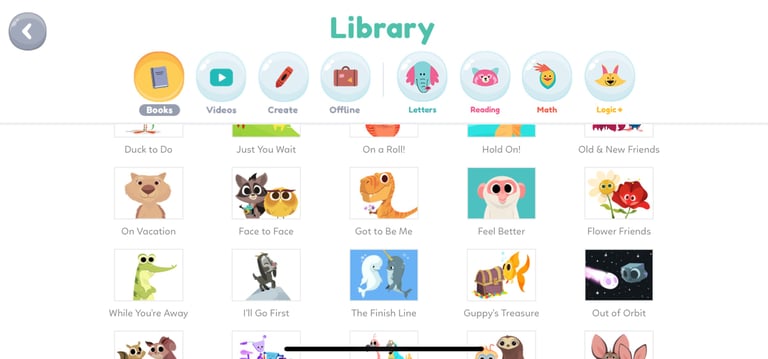
Click the 'Library' in the top left, you'll see children's activities in 8 categories. They are 'Books,' 'Videos,' 'Create,' 'Offline,' 'Letters,' 'Reading,' 'Math,' and 'Logic+.'
By the way, there is one more fantastic use of Khan Kids! That is, kids can make simple animated stories in the App. Fancy learning? Please click our article to know more about 'Creativity and Technology- How to Guide Young Children to Make an Animated Story?'
[ More Related Services ]
Fun Interlectual Stimulation!
STEM Toys for Adults and Kids
Robotics course for Kids
Coding with BBC micro:bit
What is Khan kids about?
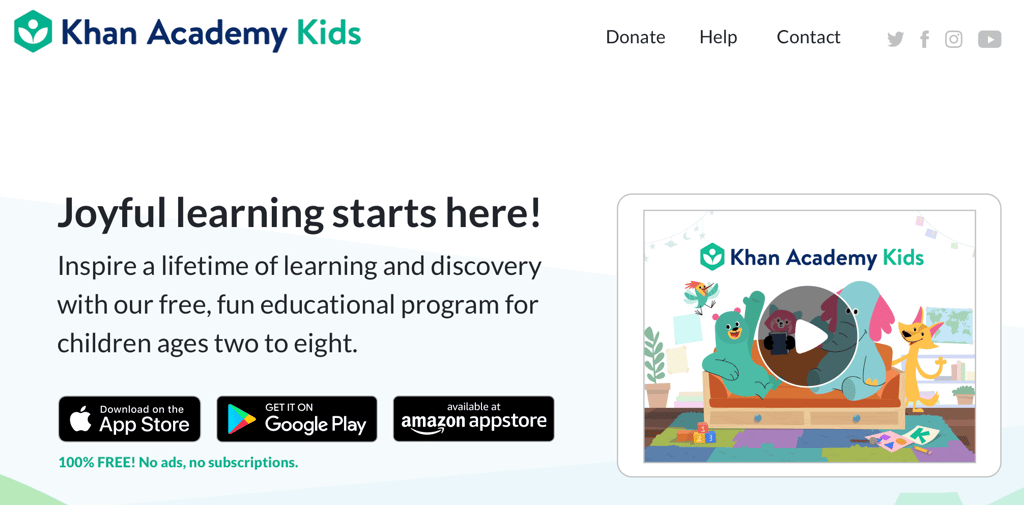
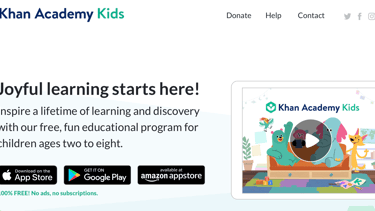
It is an educational app designed by Khan Academy for children aged 2-8. You can download it from the App Store or Google Play. There are no ads in it, and you won't need to pay a penny to unlock any feature. ALL CONTENT IS FREE. Plus, although it only supports English, there are plenty of graphics. So, it's also easy and intuitive for non-English speakers.
Alright, after downloading, let's set up the App then.
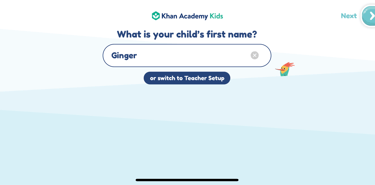
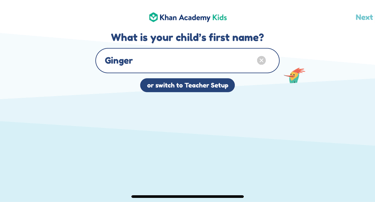
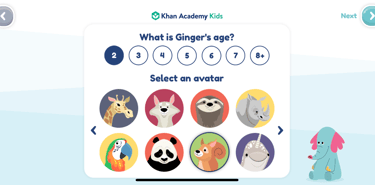
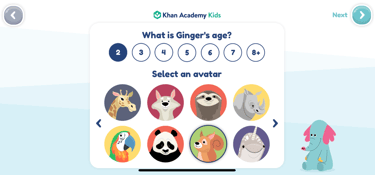
2. Customised Information: go back to the App, Khan Kids, and enter your children's names (nicknames) and ages, then select animal avatars for them.
3. Done: Hurray! The setup is completed.
For those children who haven't learned much English, you may use 'Books,' 'Videos,' 'Letters,' 'Reading,' 'Math,' and 'Logic+' to teach them English.
Whereas there is NO language barrier for non-English speakers to use 'Create.' Because children can understand everything with the graphics.
Hope this sharing is helpful to you.